User Guide
Image Gallery
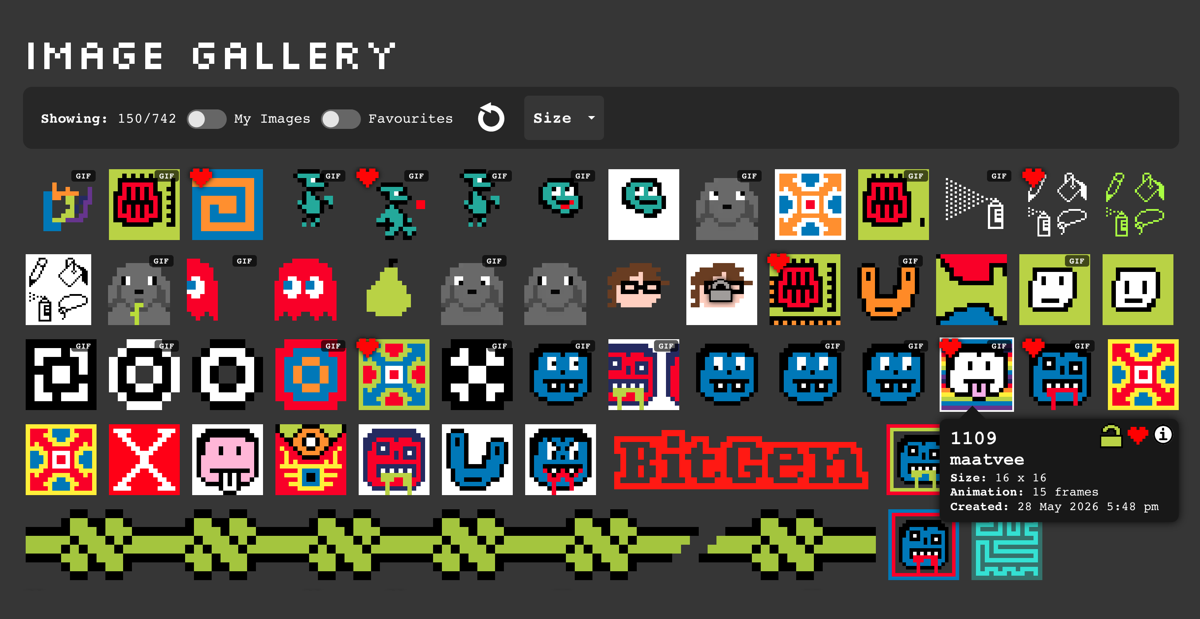
The ‘Image Gallery’ displays the most recently created images by BigGen users.
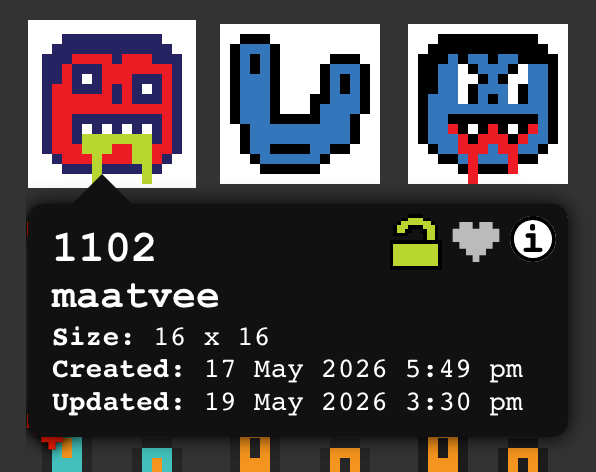
Hovering over an image, shows a tooltip panel with information about each image (desktop only).
To show the ‘Image Details Panel’ on mobile devices, you can toggle the info icon in the ‘Gallery Controls’.
You can filter the list to show only the images you have created, your favourites or images that match specific dimensions.
Note: You must be logged in to see some of these options.Add Favourite
You can add or remove any images to your favourites by clicking the heart icon, either in the tooltip panel or image info panel.
Edit Image
Switch to ‘Drawing/Image Editing’ mode by clicking the ‘Edit Image’ icon or click on an existing image to edit it.
This button toggles between the ‘Gallery’ view and ‘Drawing/Image Editing’ mode.
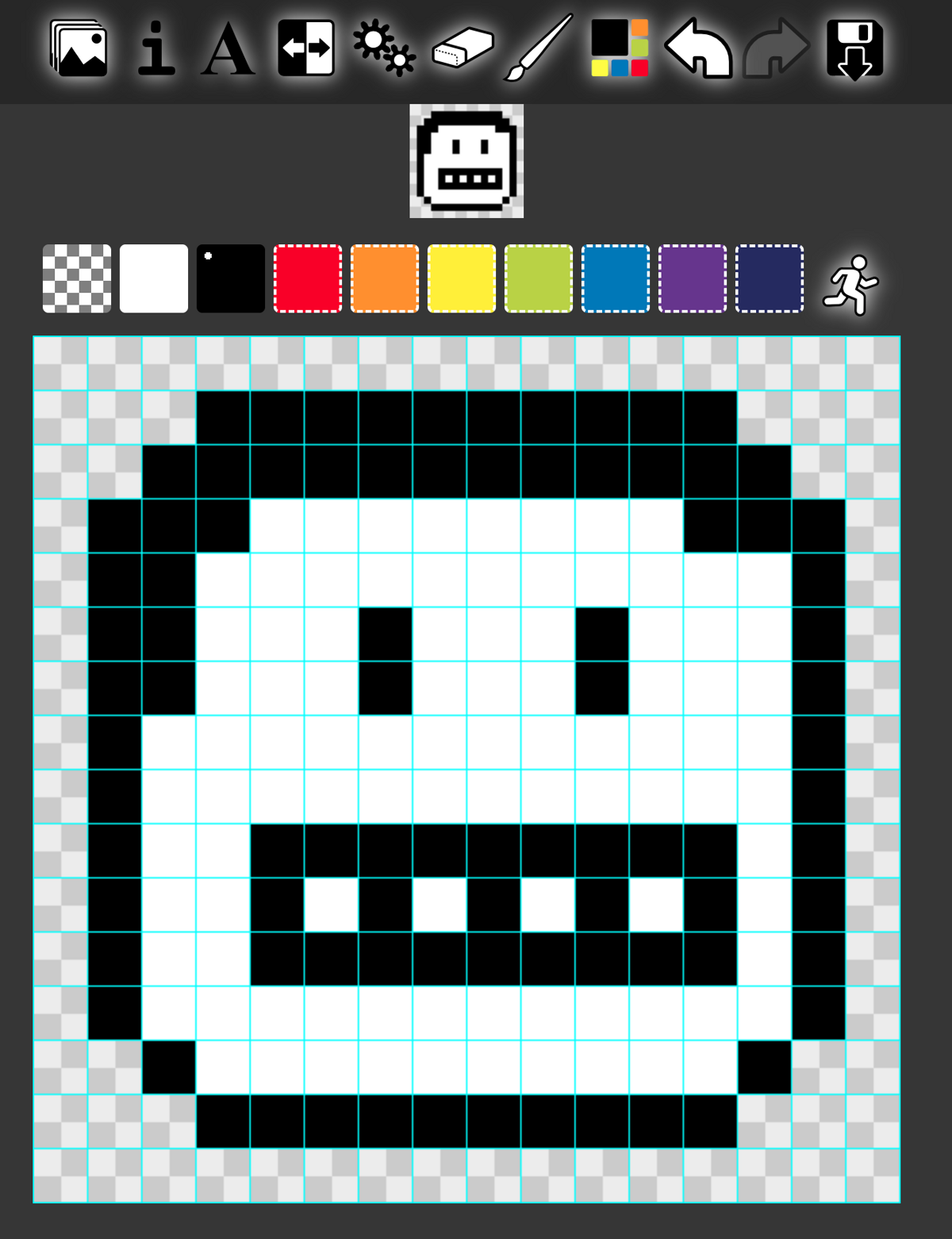
The default canvas is a 16x16 grid, but you can choose other presets in the settings panel.
Scrolling around Images on small screens
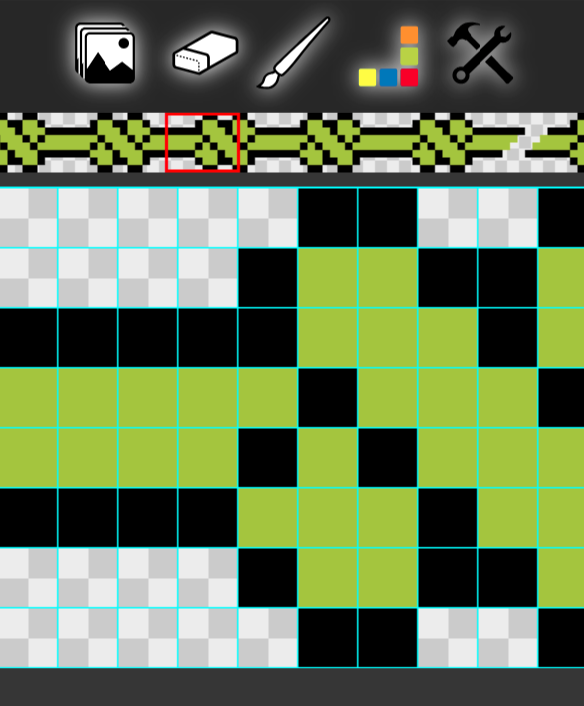
The red indicator box allows you to scroll around an image with your finger or the mouse.
You can also ‘Pinch to Zoom’ the current image, to be able to draw more easily with those chubby sausage fingers.
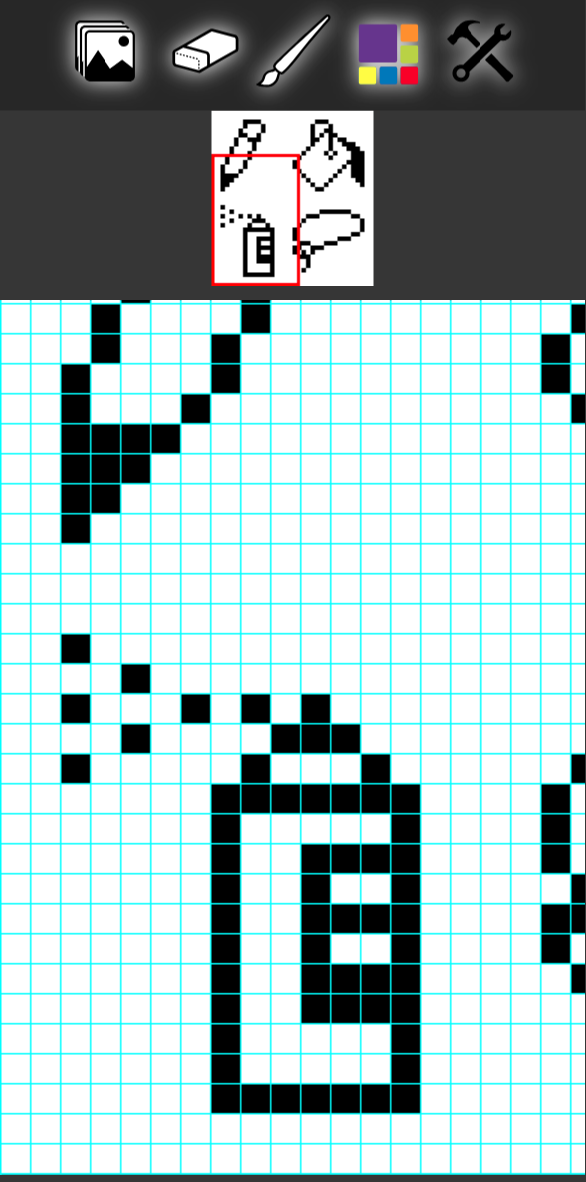
Paintbrush
The paintbrush is the default drawing tool, which lets you draw with the currently selected colour.
Fill Bucket
Clicking the paintbrush toggles to the Fill Bucket tool, which allows you to fill a region with the currently selected colour.
Clear Canvas
Clears the current drawing canvas and fills it with white pixels.
Useful when you've just made a horrible mess and want to start again.
Invert
Inverts the colours of a black and white image. Currently doesn't work on colour images.
Undo
Lets you undo your edits up to a maximum of 50.
Redo
Lets you revert any undo edits.
Zoom
Zooms the drawing canvas to fit available space on your screen.
Information
Opens the ‘About BitGen’ page by default, with links to other information pages.
Animations
Use the convert to animation button to convert a static image to an animation.
This option also appears in the settings panel.
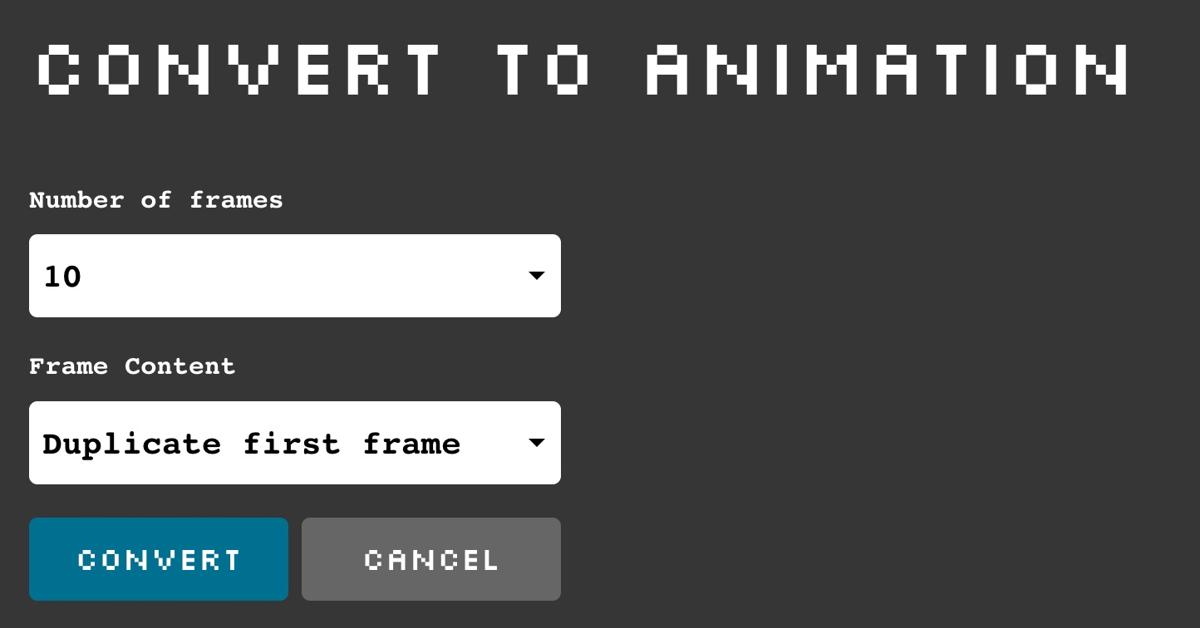
When you convert a static image to an animation, you are presented with a number of options such as the number of frames for your animation
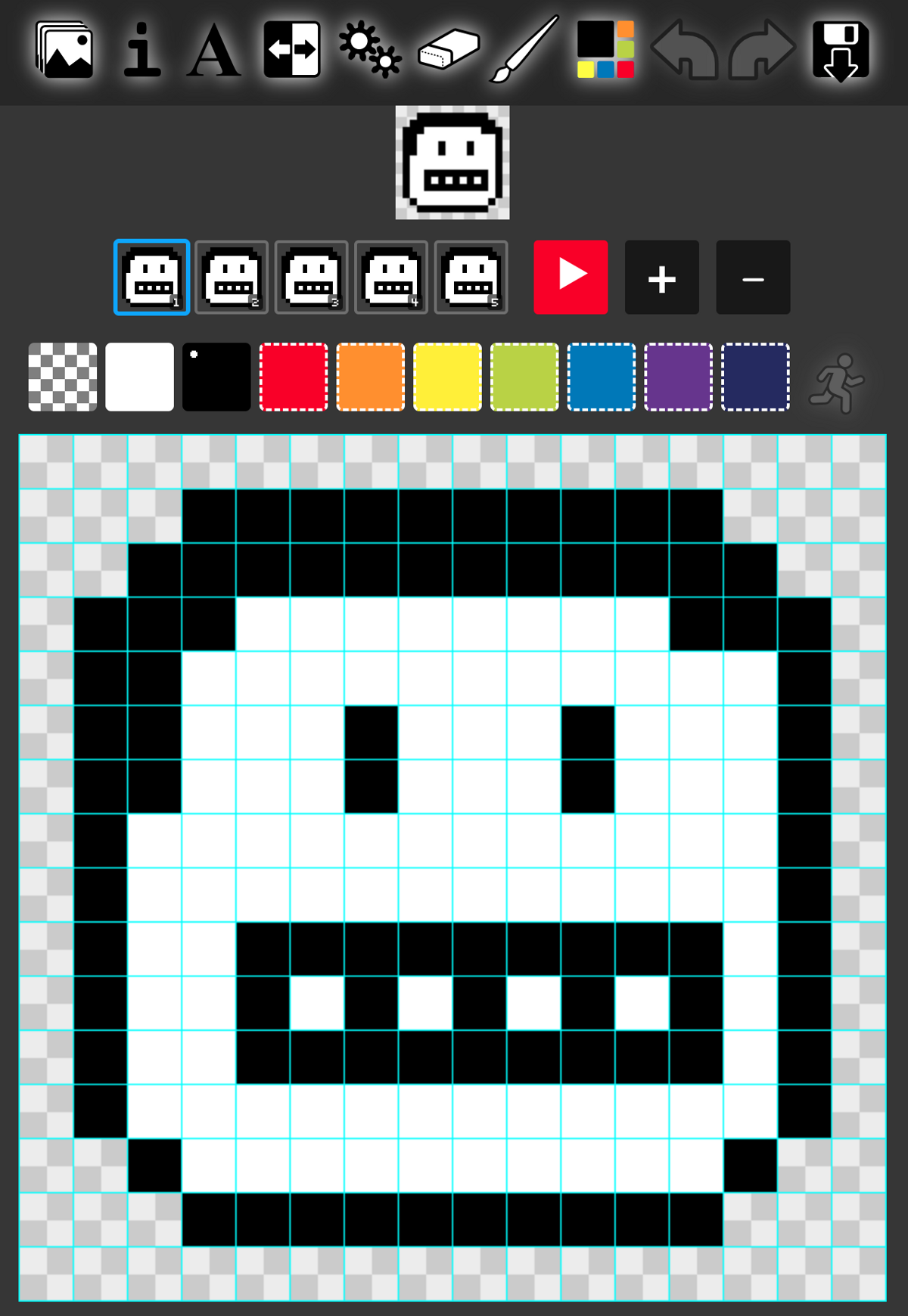
You can add extra frames or remove some later if you need to.
Use the + & - buttons in the animation interface.
Saving Images
This button allows you to save your images and animations.
You'll need to be signed in for this button to appear.
When editing another persons images, you can't save over them, but you can save your own version.
Publishing
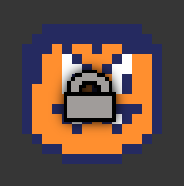
By default any images you save are only initially visible to you and will display a padlock icon.
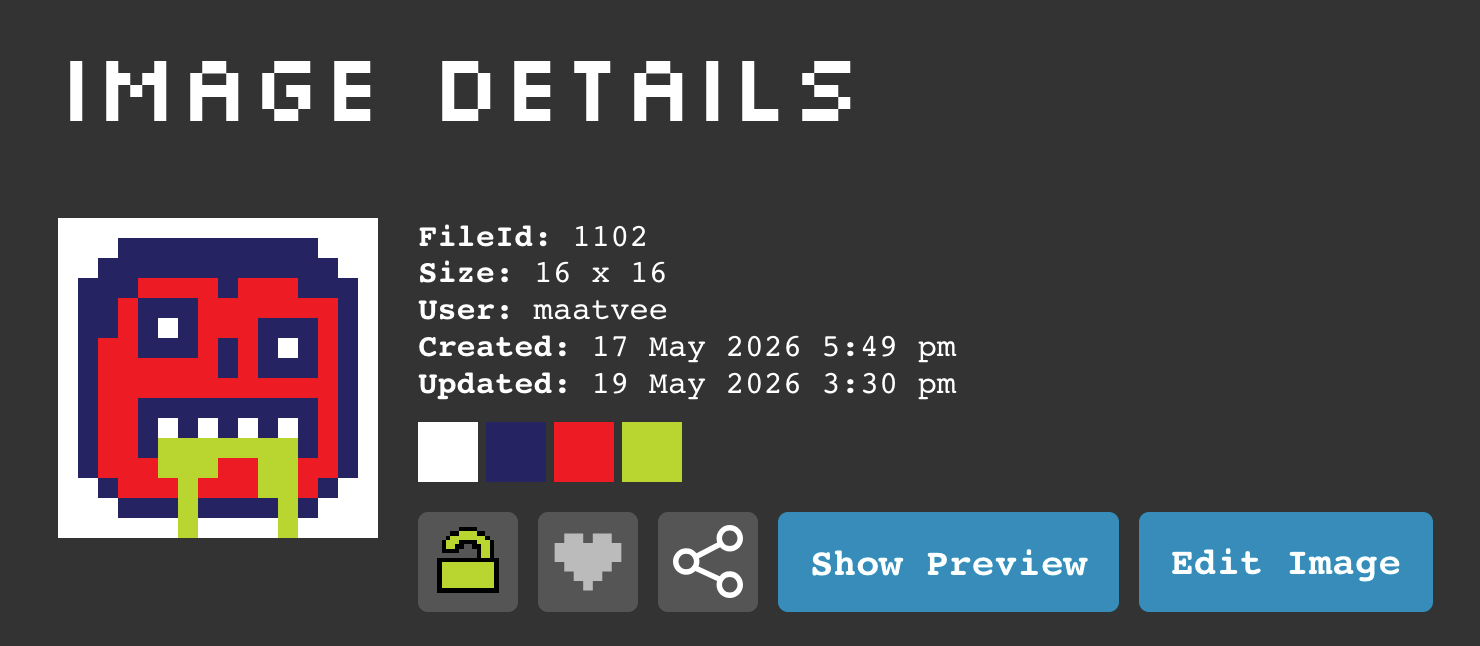
To make your images public, you can click on the image to open the image details panel, or hover over over your image to open the tooltip panel and click the padlock there.
Once your image is public, you can open the image details again using the info icon in the tooltip panel .
Edit Avatar
If you click on your avatar (top right of the screen), your avatar loads in the image editing window, and the save button changes to the save avatar icon .
When you are done making changes, use this button to save your work.
You will also have the option to update your user name in the save dialog box.
Settings
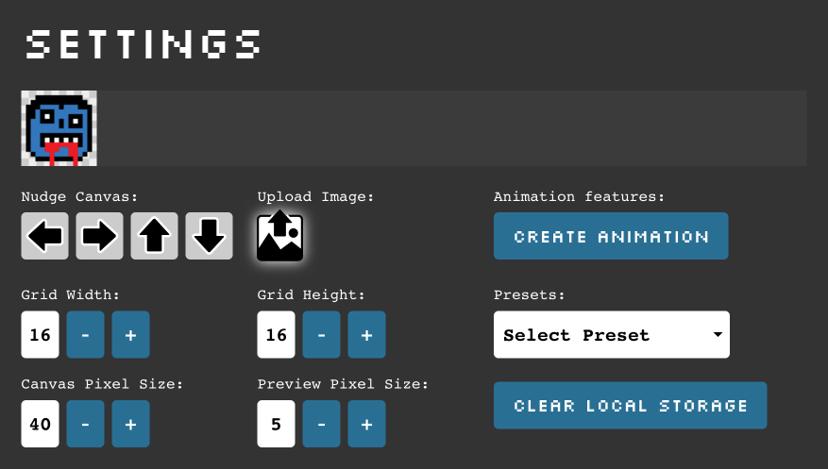
The settings panel lets you change various aspects of the drawing canvas interface and the dimensions of your drawing.
The ‘Nudge’ arrows let you move your image around (also works with the arrow keys on desktop).
You can also select from a number of preset canvas sizes in the ‘Select Preset’ drop-down.
You might have noticed that when you re-load the page, the current image you were working on is preserved.
This is stored in your device's ‘Local Storage’ memory, along with other settings like your current undo-steps.
Using ‘Local Storage’ to store your work means that if you are working on your latest masterpiece and suddenly realise that you are not logged in, you can log back in again without losing all your hard work.
Note: The ‘Clear Local Storage’ button allows you to delete everything stored locally if you want to.Edit Palette
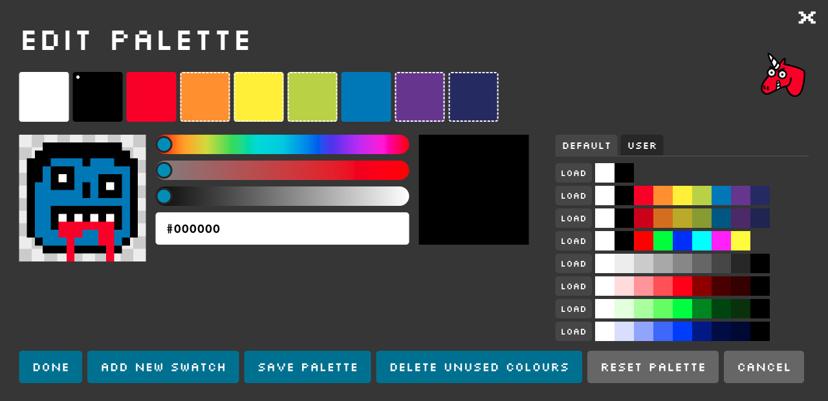
The Edit Palette Panel lets you edit the colours in your palette or save them to load into another image.
You can add up to 15 extra colours to your palette if you need to go crazy.
Unused palette colours are indicated with a dashed border around the swatch.
Loading other colour palettes replaces the colours of your current image so be prepared for surprises!!!
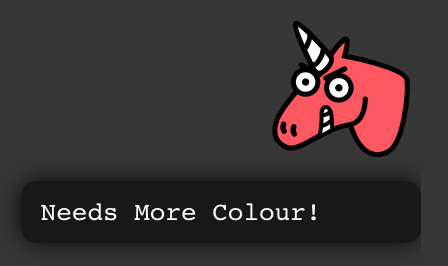
The ‘Unicorn Colour Assistant’ gets progressively more angry when your colours are too dark or desaturated.
You can ignore this advice, but you might not get any Christmas presents.
Note: some features like saving your colour palette are unavailble on smaller mobile devices due to screen space restrictions.Add Text
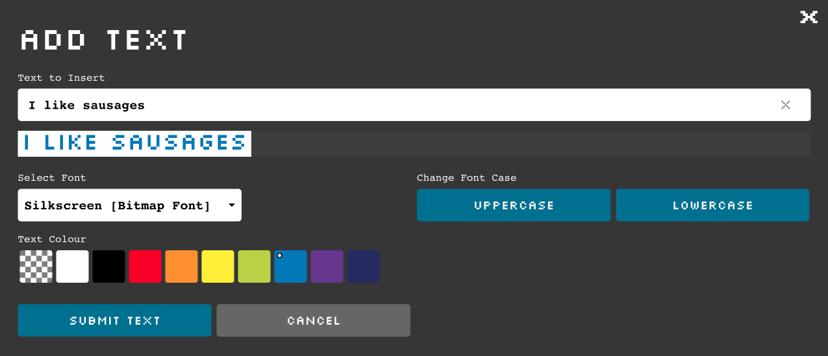
Allows you to enter some text and choose various common text properties.
Submiting your text renders it to the drawing canvas, so you can add any finishing touches before saving.